아래는 출처에서 가져온 원문입니다.
New Now available on Linux Now on Linux
Meet Obscura: the first VPN that log your activity
and
outsmarts internet censorship.
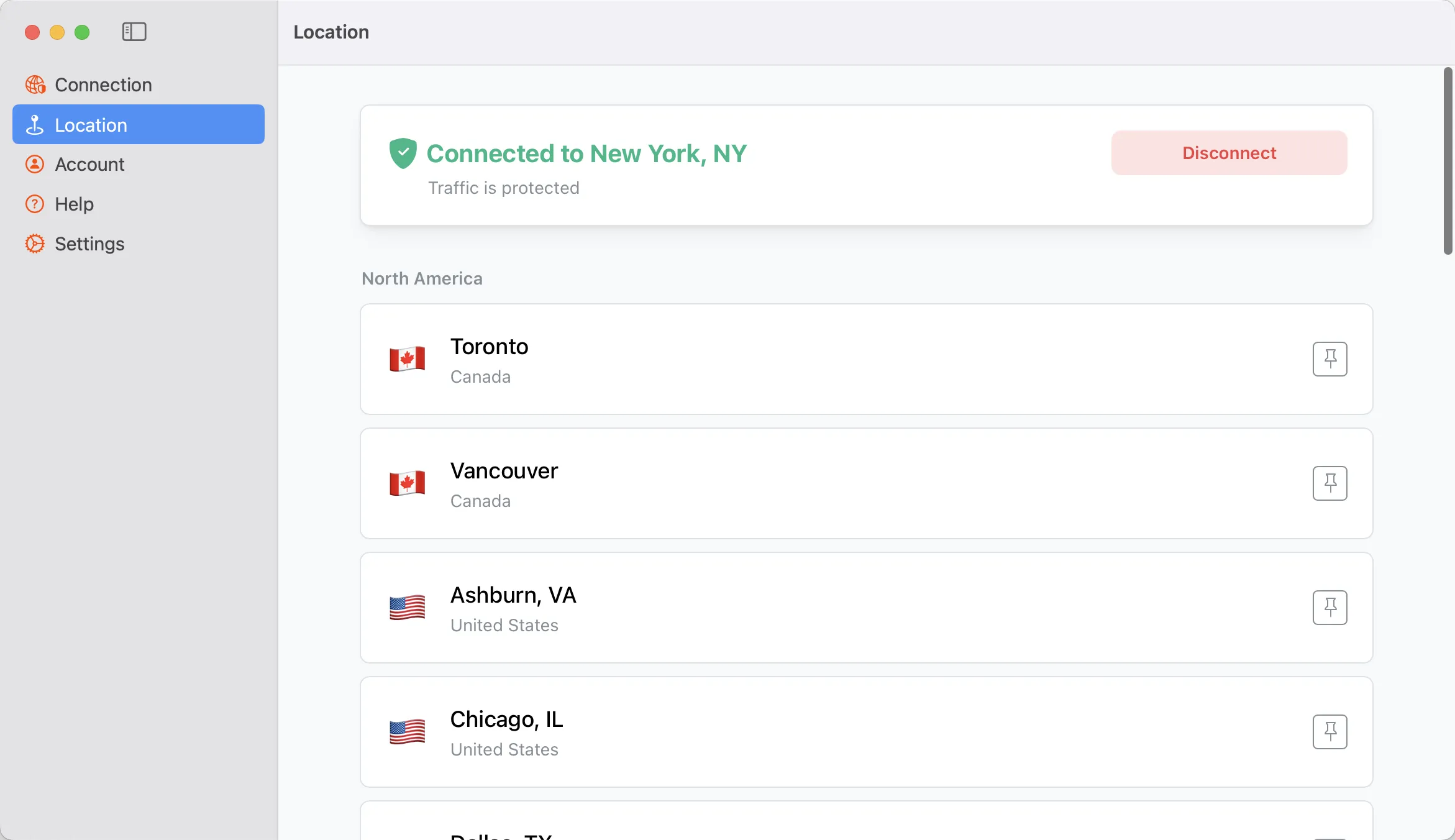
VPNs know more about you than they should. So we made one that doesn’t.
Even “no-log” VPNs can track you, since they see both who you are and what you do. Obscura is built such that we can’t see your traffic in the first place.
Traditional VPNs see your identity
and your browsing history
Traditional VPN
Jacob Williams
96.96.216.135
Visited tumblr.com just now
jacobwilliams@gmail.com
7961 Kulas Estate, Danville USA
•••• •••• •••• 3241
Jacob Williams
96.96.216.135
Visited pinterest.com just now
jacobwilliams@gmail.com
7961 Kulas Estate, Danville USA
•••• •••• •••• 3241
Jacob Williams
96.96.216.135
Visited apple.com just now
jacobwilliams@gmail.com
7961 Kulas Estate, Danville USA
•••• •••• •••• 3241
Jacob Williams
96.96.216.135
Visited microsoft.com just now
jacobwilliams@gmail.com
7961 Kulas Estate, Danville USA
•••• •••• •••• 3241
Jacob Williams
96.96.216.135
Visited ebay.com just now
jacobwilliams@gmail.com
7961 Kulas Estate, Danville USA
•••• •••• •••• 3241
Obscura only sees your IP address and
never your browsing history
Obscura
Account OBS-20848919
96.96.216.135
Encrypted web traffic
Exit Node
Anonymous
Obscura’s IP
Visited tumblr.com just now
Anonymous
Obscura’s IP
Visited pinterest.com just now
Anonymous
Obscura’s IP
Visited apple.com just now
Anonymous
Obscura’s IP
Visited microsoft.com just now
Anonymous
Obscura’s IP
Visited ebay.com just now
It’s simple:
We can’t leak what we don’t have.
Logs? Not possible.
Obscura VPN doesn’t log your IP address and can’t see your internet traffic, ever. It’s impossible by design.
Emails? Not necessary.
Log in with just a randomized account number. No names, no emails, no phone numbers necessary.
Credit card info? Not required.
Easily pay using Bitcoin’s Lightning Network for better privacy, instant payments, and lower transaction fees. We also accept Monero.
More than Privacy
Outsmart Internet Restrictions
By blending in with regular internet traffic, Obscura avoids being detected by network filters – keeping your internet access unrestricted. More details.
How it Works
Private by Design:
Our Two-Party VPN Protocol
By using a fully-independent exit hop, Obscura keeps who you are and what you do separate. More technical details here.
Obscura never sees your traffic
Obscura’s servers relay your connection to exit servers but can never decrypt your traffic.
Your traffic is always end-to-end encrypted via WireGuard® to the exit server.
Exit hops never see who you are
Exit servers (run by Mullvad) connect you to the internet but never see your personal info.
Obscura masks your real IP address when relaying to the exit server.
FAQs
Questions?
We’re here to help.
Here are the most common questions we’re asked, but if we haven’t covered yours, don’t hesitate to reach out via one of our handles.
What makes Obscura different from existing VPNs?
What user data can Obscura see?
How do I know Obscura does what it claims?
How much does Obscura cost, what payment methods are accepted?
How many devices can I use Obscura on?
How does Obscura differ from my VPN’s multihop option?
How does Obscura compare to Tor?
What server locations are available?
What relay servers does Obscura offer?
How does the macOS app work? Does it have kernel-level access?
Give me the technical details!
Can I generate a WireGuard configuration to use Obscura?
How do I download Obscura?
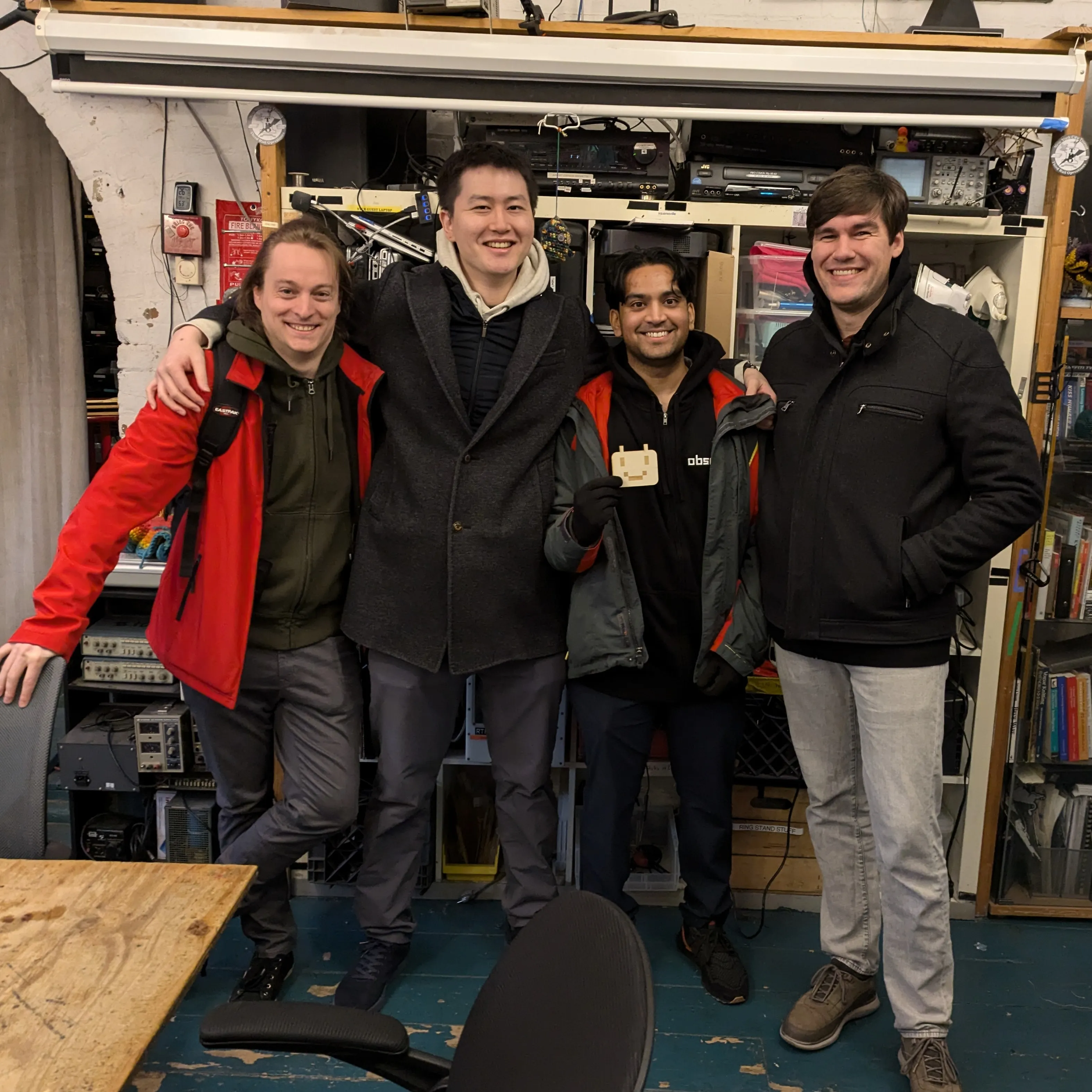
I’m Carl, head-janitor of Obscura 👋
Thanks for reaching the bottom — not everyone makes it.
I’m incredibly lucky to have the help of a crack(ed) team of privacy optimists to build Obscura.
Among us, we’ve served on the Nix RFC Steering Committee, implemented the 64bit random number generator for the Go standard library, fixed critical vulnerabilities for hardware security tokens, won bounties for Monero bugs, and contributed to Bitcoin for reproducible builds.
But while privacy and digital sovereignty in some worlds has made leaps and bounds, VPNs have been left behind; peddling privacy based on promises instead of privacy baked into the architecture.
So we’re taking our skills to build Obscura: a VPN you can depend on to get the most out of our glorious digital commons – the internet. It’s the VPN we’ve always wanted to use, and it’s the kind of privacy we believe everyone should have access to.
Thanks for reading – ping me at carl@obscura.net for any questions, and I’ll see you on the free and open internet. 🏄
Cheers,
Carl Dong
I fight for the users.
Internet freedom starts here.
Start using Obscura for macOS, iOS, Android, Windows, and Linux today, or join our waitlist for other platforms.